This integration supports LiteLLM callbacks (logging) and the Respan gateway.
Overview
LiteLLM provides a unified interface for calling many LLM providers. With Respan, you can either:
- Export logs via LiteLLM callbacks
- Route requests through the Respan gateway
Quickstart
Step 1: Get a Respan API key
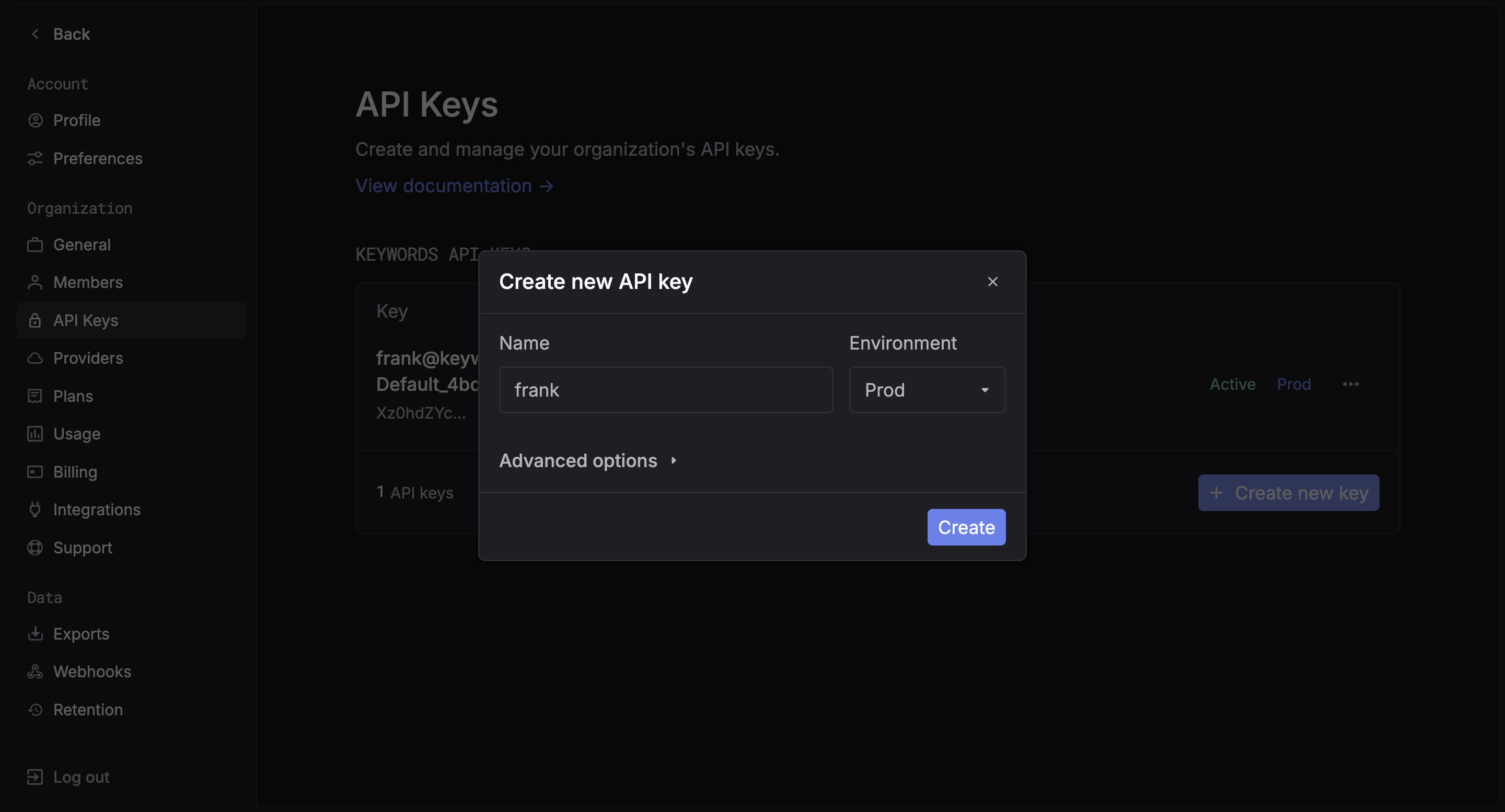
Create an API key in the Respan dashboard.
Step 2: Install packages
pip install litellm respan-exporter-litellm
Examples
Choose one of the two ways to use the LiteLLM integration:
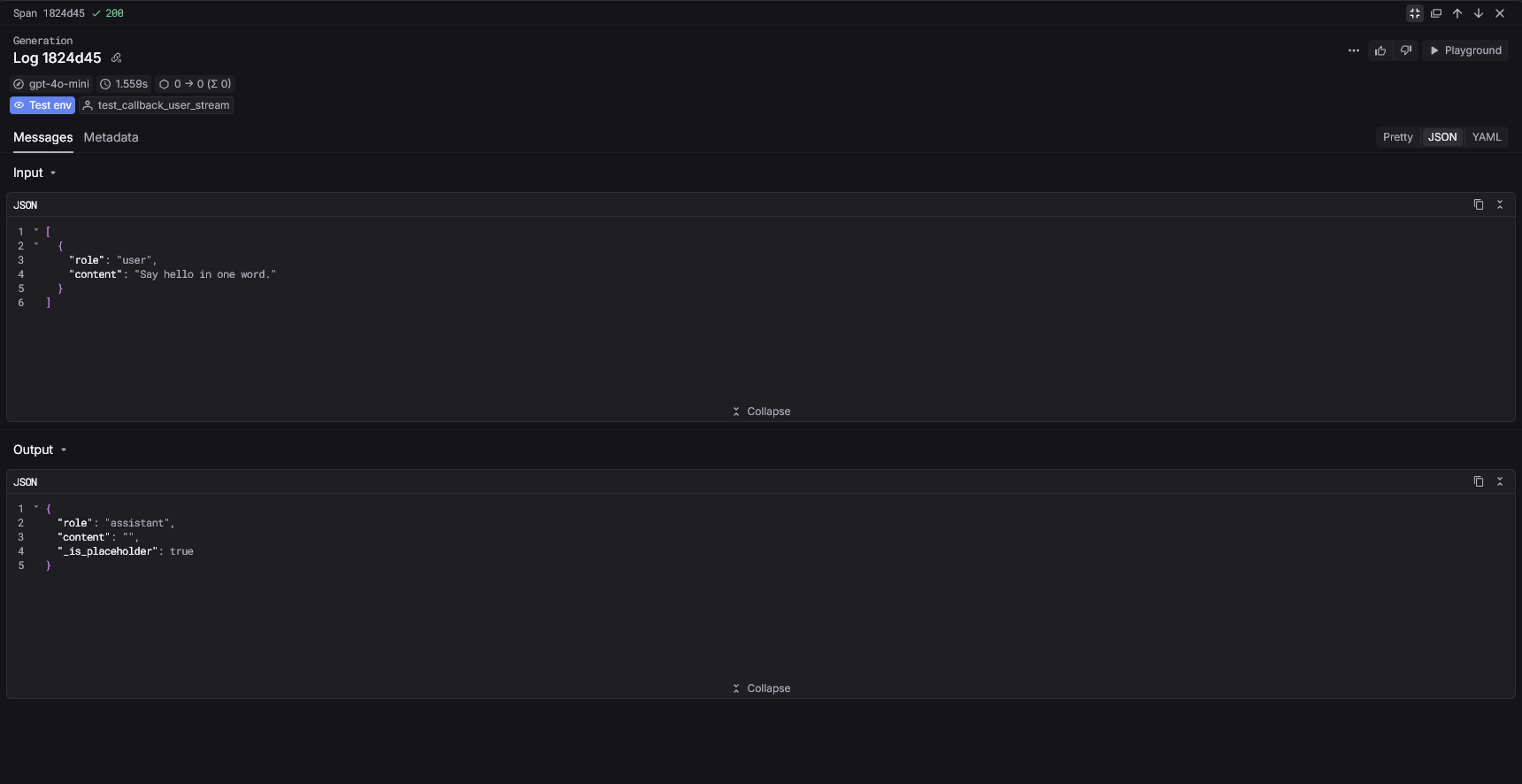
Callback mode (logging)
Register the Respan callback to send logs automatically.
import litellm
from respan_exporter_litellm import RespanLiteLLMCallback

callback = RespanLiteLLMCallback(api_key="YOUR_RESPAN_API_KEY")
callback.register_litellm_callbacks()

response = litellm.completion(
    model="gpt-4o-mini",
    messages=[{"role": "user", "content": "Hello!"}],
)
print(response.choices[0].message.content)
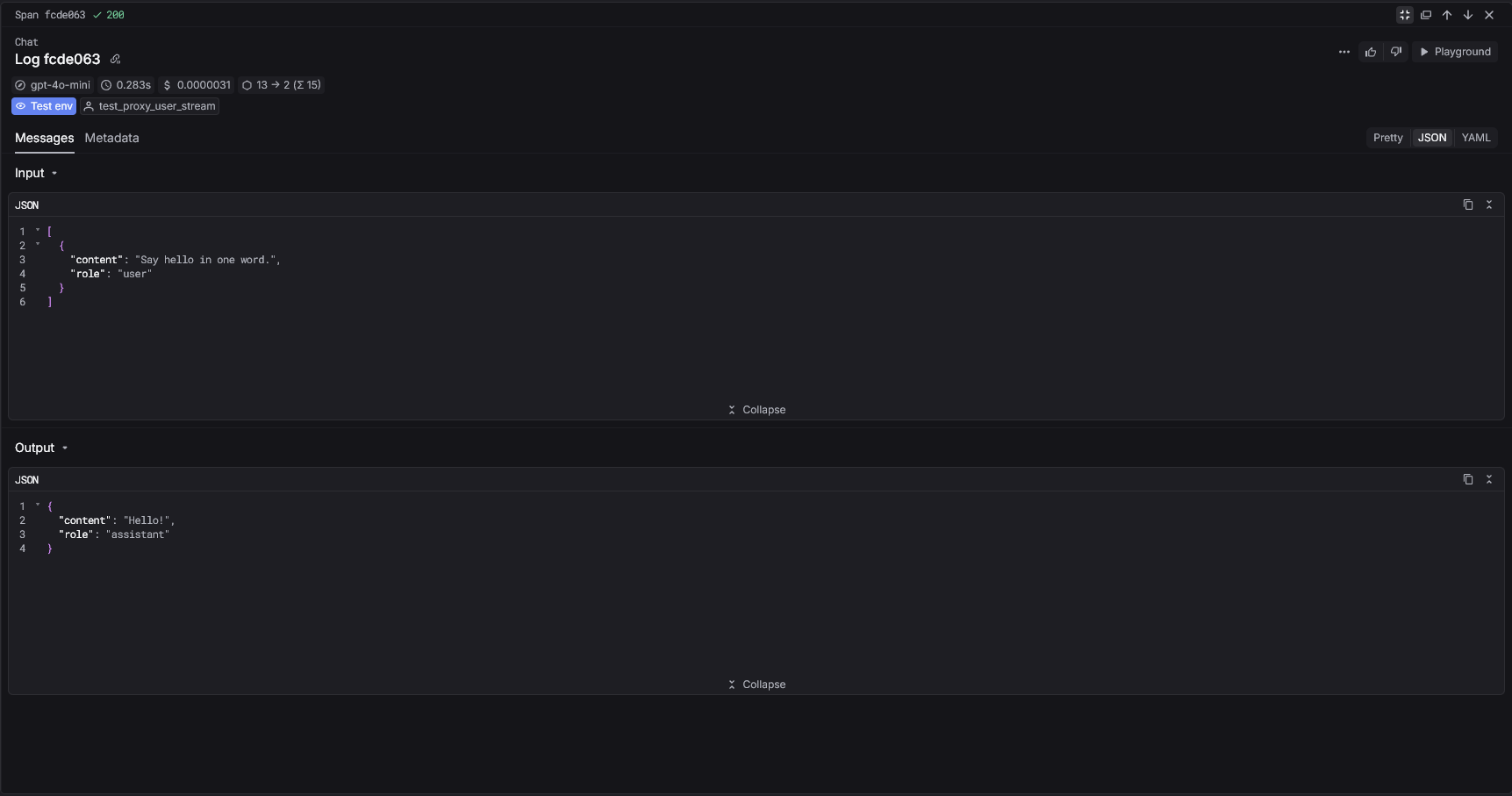
Gateway mode
Route LiteLLM requests through the Respan gateway.
import litellm

response = litellm.completion(
    api_key="YOUR_RESPAN_API_KEY",
    api_base="https://api.respan.ai/api",
    model="gpt-4o-mini",
    messages=[{"role": "user", "content": "Hello!"}],
)
print(response.choices[0].message.content)
Respan parameters
Pass Respan parameters inside metadata.respan_params.
response = litellm.completion(
    model="gpt-4o-mini",
    messages=[{"role": "user", "content": "Hello!"}],
    metadata={
        "respan_params": {
            "workflow_name": "simple_logging",
            "span_name": "single_log",
            "customer_identifier": "user-123",
        }
    },
)
Gateway mode (extra_body)
Pass Respan parameters using extra_body when routing through the gateway.
response = litellm.completion(
    api_key="YOUR_RESPAN_API_KEY",
    api_base="https://api.respan.ai/api",
    model="gpt-4o-mini",
    messages=[{"role": "user", "content": "Hello!"}],
    extra_body={
        "span_workflow_name": "simple_logging",
        "span_name": "single_log",
        "customer_identifier": "user-123",
    },
)
View your analytics
Access your Respan dashboard to see detailed analytics
Next Steps