
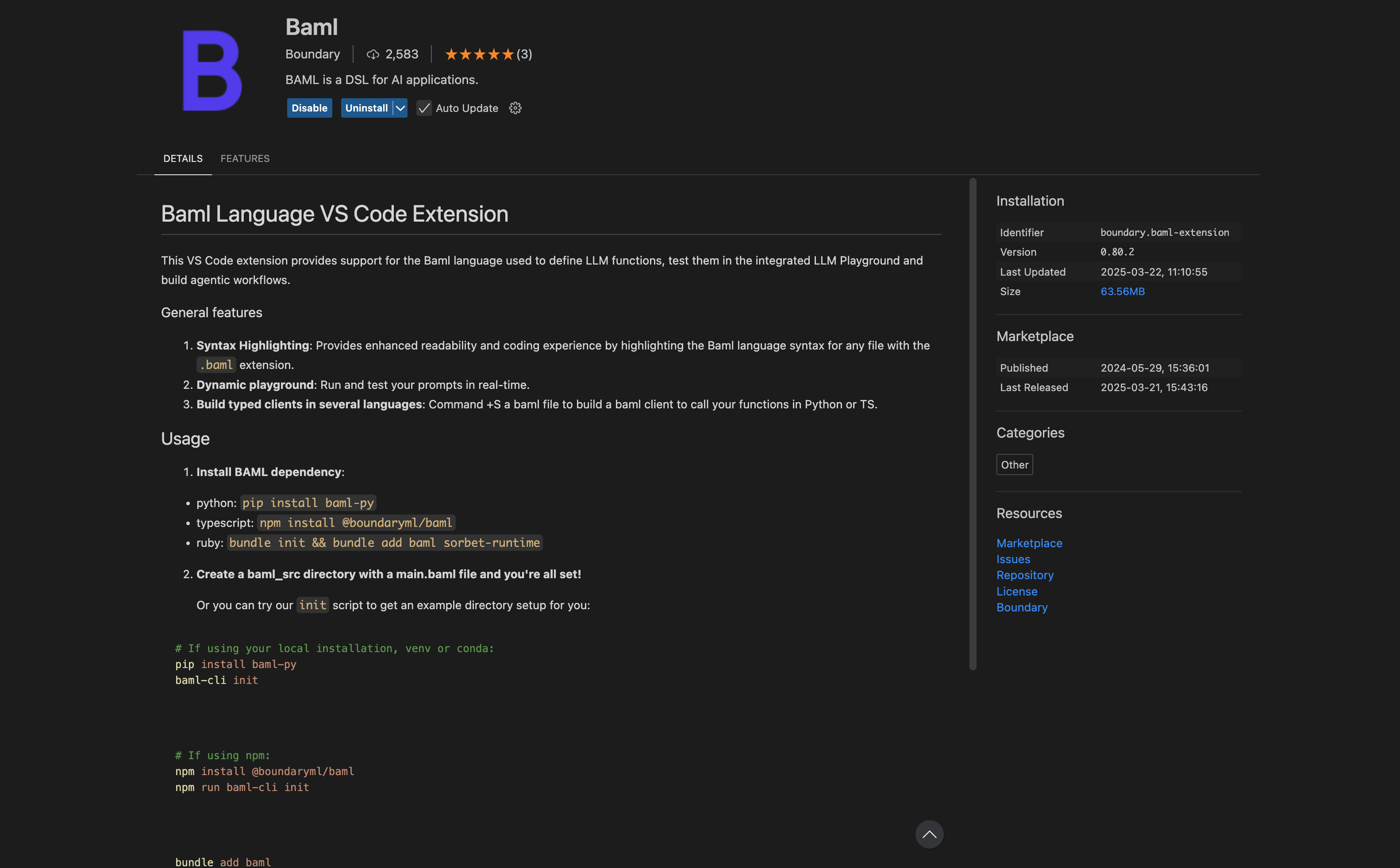
Install extension

Install BAML extension in VS code. create a .baml file (e.g., test.baml) and get started!
Integration methods

There are 2 ways to integrate Respan with BAML and allow you send Respan params and check them in Respan platform:
  1. Send Respan params through header.
  2. End at low level and send params to Respan through the client.

Send Respan params through header

Set up a BAML Client Registry and Respan Integration First, you need to set up a client registry in BAML. This registry manages your LLM clients.
Python
import os
from baml_py import ClientRegistry

async def run():
    # Create a client registry
    cr = ClientRegistry()
    
    # Add an LLM client - this is a standard OpenAI client setup
    cr.add_llm_client(name='MyAmazingClient', provider='openai', options={
        "model": "gpt-4o",
        "temperature": 0.7,
        "api_key": os.environ.get('OPENAI_API_KEY')
    })
    
    # Set it as the primary client
    cr.set_primary('MyAmazingClient')

    # Now your BAML functions will use this client
    res = await b.ExtractResume("...", { "client_registry": cr })
Next, you’ll modify the client registry to connect to Respan, enabling observability and analytics. Learn how to create a Respan API key here.
Python
from baml_client.sync_client import b
from baml_client.types import Resume
from baml_py import ClientRegistry
import base64
import json
import os


def extract_resume_with_respan(raw_resume: str) -> Resume:
    # Create a client registry
    cr = ClientRegistry()
    
    # Define Respan parameters you want to track
    respan_params = {
        "custom_identifier": "123",
        "customer_identifier": "123",
        # Add any other parameters you want to track
    }
    
    # Encode the parameters for the header
    respan_params_encoded = base64.b64encode(
        json.dumps(respan_params).encode("utf-8")
    ).decode("utf-8")
    
    # Set up the header with encoded parameters
    respan_headers = {"X-Data-Respan-Params": respan_params_encoded}
    
    # Create a Respan client that routes through the Respan API gateway
    cr.add_llm_client(
        name="RespanClient",
        provider="openai",
        options={
            "model": "gpt-4o",
            "api_key": os.getenv("RESPAN_API_KEY"),
            "base_url": "https://api.respan.ai/api",
            "headers": respan_headers,
        },
    )
    
    # Set as primary client
    cr.set_primary("RespanClient")
    
    # Call your BAML function with the Respan client
    response = b.ExtractResume(
        raw_resume,
        baml_options={
            "client_registry": cr,
        },
    )
    return response

if __name__ == "__main__":
    response = extract_resume_with_respan("test resume content here")
With this setup, your BAML function calls will be routed through Respan, allowing you to:
  • Track and monitor all LLM requests
  • Analyze performance and usage patterns
  • Associate custom identifiers with your LLM calls

Using Respan client in BAML

Initialize a Respan client in BAML Initialize a Respan client in BAML by switching the base URL and adding the RESPAN_API_KEY in the environmental variable. Learn how to create a Respan API key here.
BAML
client<llm> Respan {
  
  provider openai

  options {
    model gpt-4o
    api_key env.RESPAN_API_KEY
    base_url "https://api.respan.ai/api"
  }
}
Define the function in baml_src/resume.baml
BAML
// Create a function to extract the resume from a string.
function ExtractResume(resume: string) -> Resume {
  // Specify a client as provider/model-name
  // you can use custom LLM params with a custom client name from clients.baml like "client CustomHaiku"
  client "RespanClient" // Set OPENAI_API_KEY to use this client.
  prompt #"
    Extract from this content:
    {{ resume }}

    {{ ctx.output_format }}
  "#
}
Then, you can use the function in your BAML file.
BAML

import requests

# requests is not async so for simplicity we'll use the sync client.
from baml_client.sync_client import b


def run():
    # Get the HTTP request object.
    req = b.request.ExtractResume("John Doe | Software Engineer | BSc in CS")

    extended_body = {
        **req.body.json(),
        "custom_identifier": "123",
    }
    # Send the HTTP request.
    response = requests.post(url=req.url, headers=req.headers, json=extended_body)

    # Parse the LLM response.
    parsed = b.parse.ExtractResume(response.json()["choices"][0]["message"]["content"])

    # Fully parsed Resume type.
    print(parsed)


if __name__ == "__main__":
    response = run("test")

Test & monitor

After you have the code, cmd+shift+p > BAML: Open in Playground and run your tests. You can also monitor your LLM performance in the Respan dashboard. Sign up here: https://www.respan.ai