

Overview
Respan parameters allow you to add contextual information to your traces, enabling better analytics, user tracking, and workflow understanding.Available Respan Parameters
| Parameter | Type | Description | Example |
|---|---|---|---|
customer_identifier | string | Unique customer ID | "user_123" |
customer_name | string | Customer display name | "John Doe" |
customer_email | string | Customer email address | "[email protected]" |
metadata | object | Custom key-value pairs | {"priority": "high"} |
custom_identifier | string | Custom operation ID | "ticket_789" |
thread_identifier | string | Conversation thread ID | "thread_abc" |
Compatibility
| Integration | Support | Notes |
|---|---|---|
| Respan Native | ✅ | Full support for all Respan params |
| OpenAI Agents SDK | ✅ | Not supported yet |
| Vercel AI SDK | ❌ | Not supported yet |
Integration
Setup
Make sure you have everything ready before you start.
Implementation
- Respan Native
Basic Respan params usage
- Parent workflow:
customer_support_workflowwith thread and session metadata - Individual tasks:
user_query_processing,response_formattingwith customer and operation metadata - Complete parameter tracking: customer info, custom identifiers, and contextual metadata
- Enhanced analytics: filtering by customer, priority, department, and session
How to see this in the platform
Once you’ve implemented Respan params in your traces, you can view and filter by them in the Respan platform:Accessing enriched traces
- Navigate to the Traces page in your Respan dashboard
- You’ll see traces with additional metadata and customer information
Understanding the enhanced trace view
- Customer tracking: Filter traces by customer identifier, name, or email
- Custom metadata: Use metadata fields for advanced filtering and analytics
- Thread grouping: View related conversations using thread identifiers
- Custom identifiers: Track specific operations or tickets
Example trace with Respan params
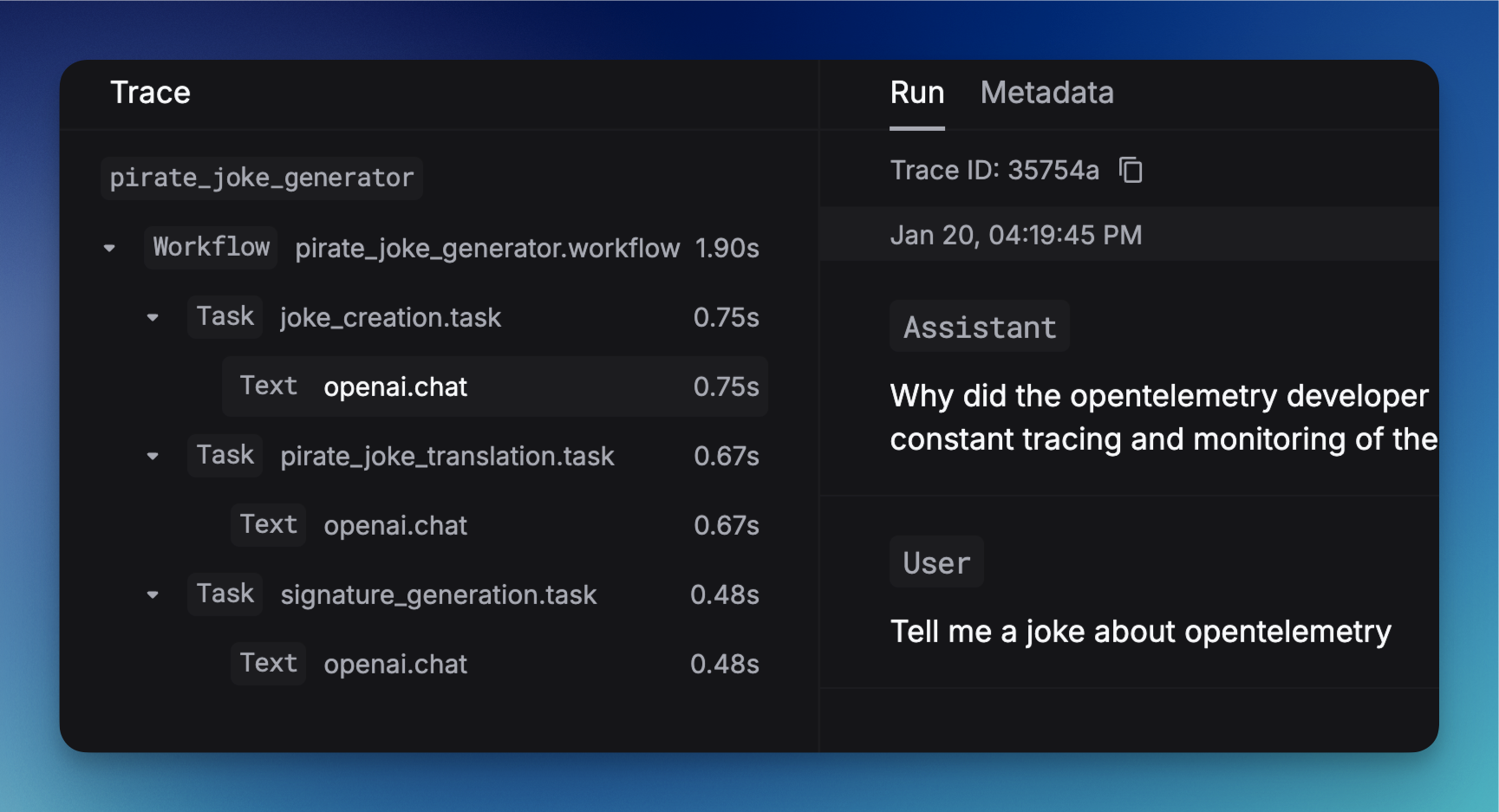
- Customer information in the trace details
- Custom metadata for filtering and analysis
- Thread and session grouping
- Performance metrics with contextual data