import requests
import json

url = "https://api.respan.ai/api/request-logs/create/"
payload = {
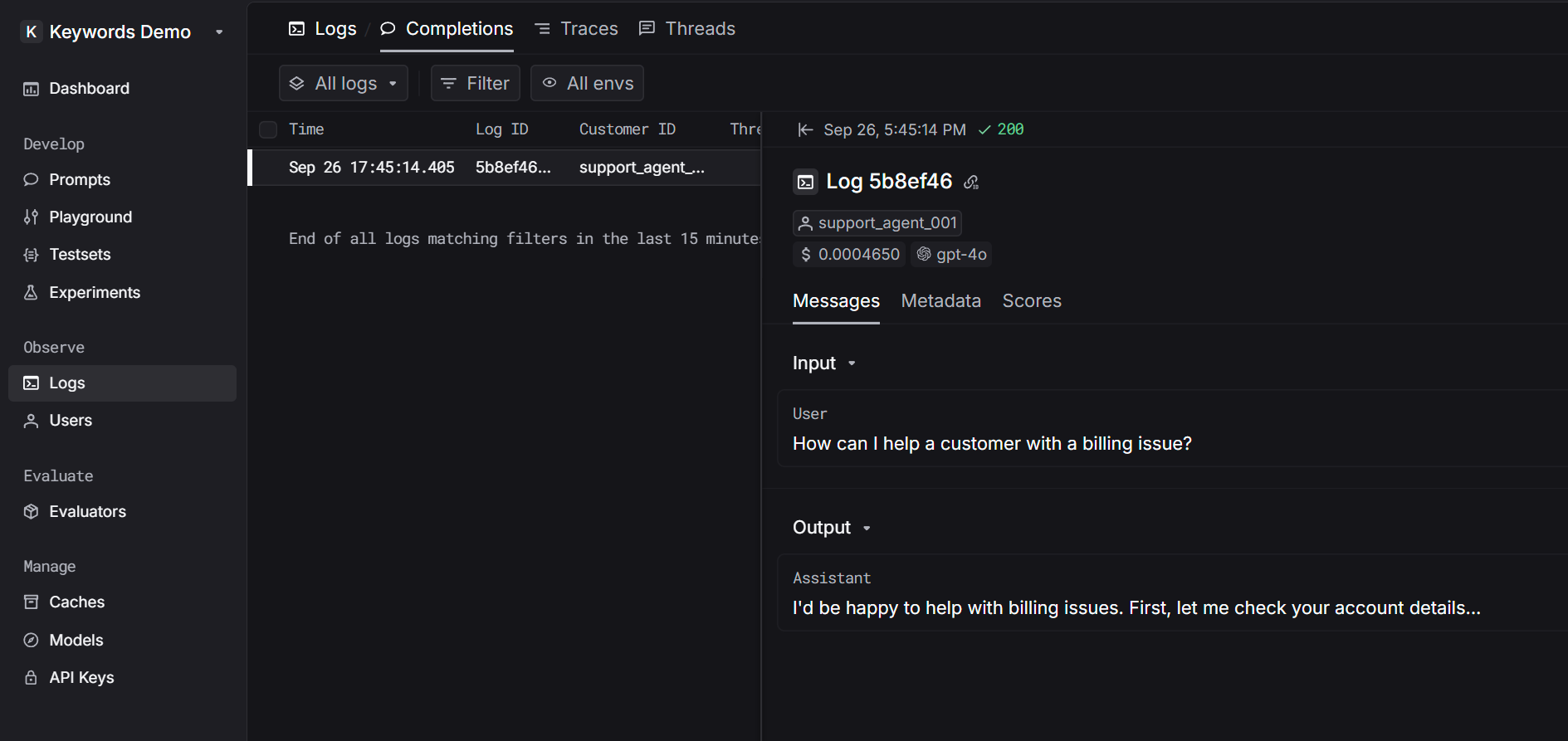
    "model": "gpt-4o",
    "log_type": "chat",
    "input": json.dumps([
        {
            "role": "user",
            "content": "How can I help a customer with a billing issue?"
        }
    ]),
    "output": json.dumps({
        "role": "assistant",
        "content": "I'd be happy to help with billing issues. First, let me check your account details..."
    }),
    "customer_identifier": "support_agent_001"
}

headers = {
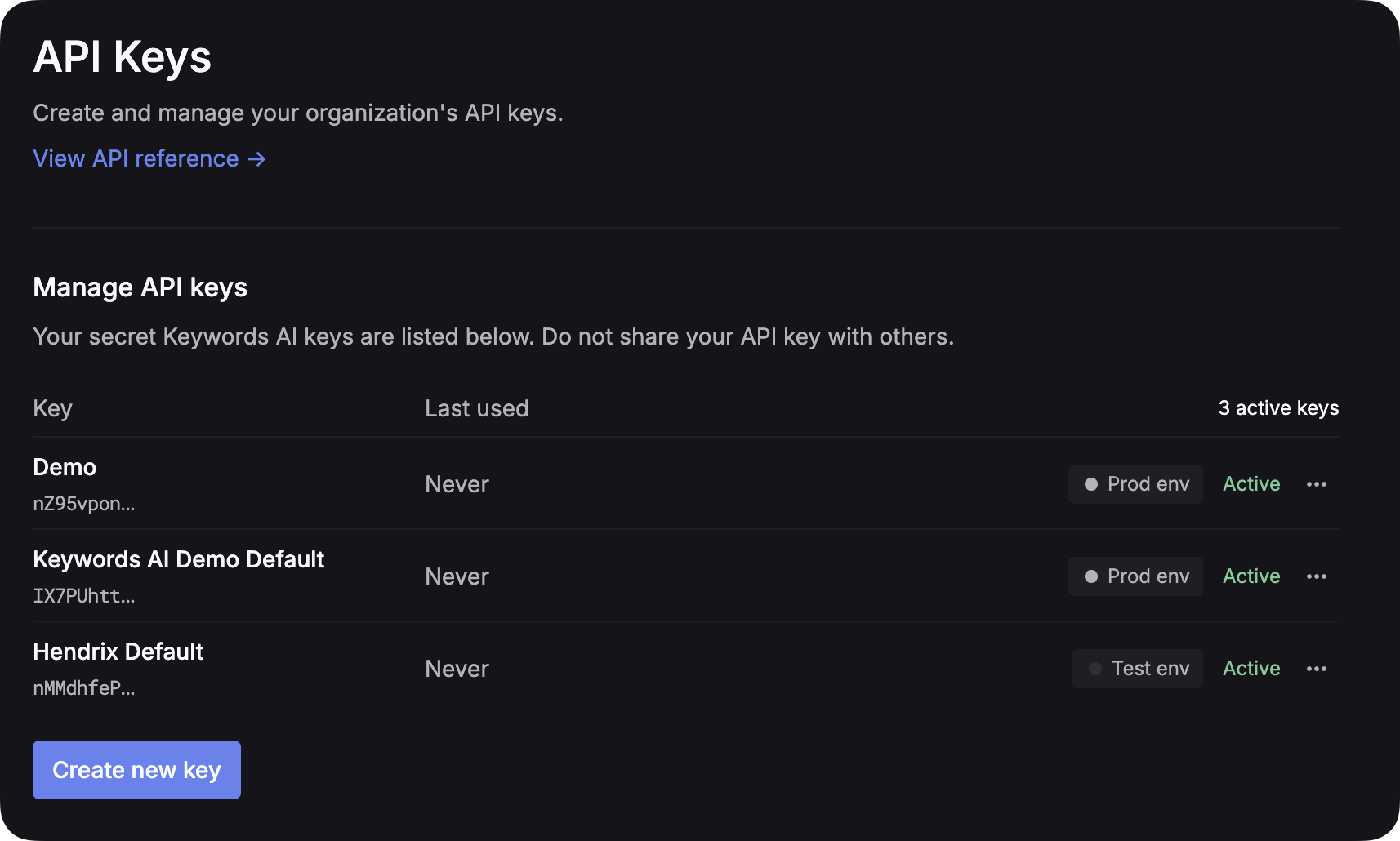
    "Authorization": "Bearer YOUR_RESPAN_API_KEY",
    "Content-Type": "application/json"
}

response = requests.post(url, headers=headers, json=payload)